Teach a class.
Before you ever step in one.
16 AI students react to how you teach. Hold a lesson in your browser, no headset needed, and read a written review afterwards.
What ClassVRoom is
A classroom to practise in.
Half of new teachers struggle with classroom management in their first year, and many leave because of it. ClassVRoom gives you a classroom where you can practise before it counts.
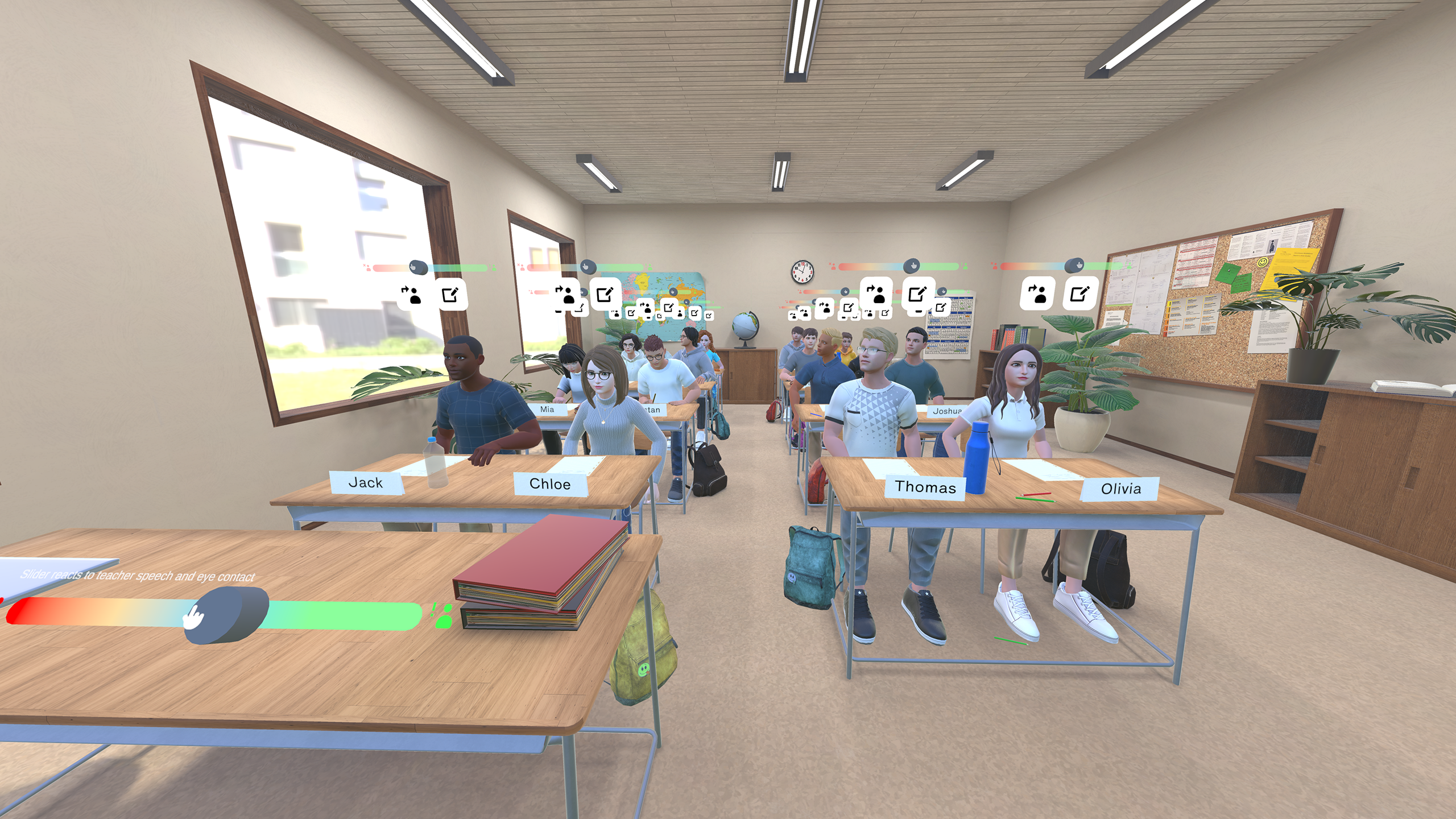
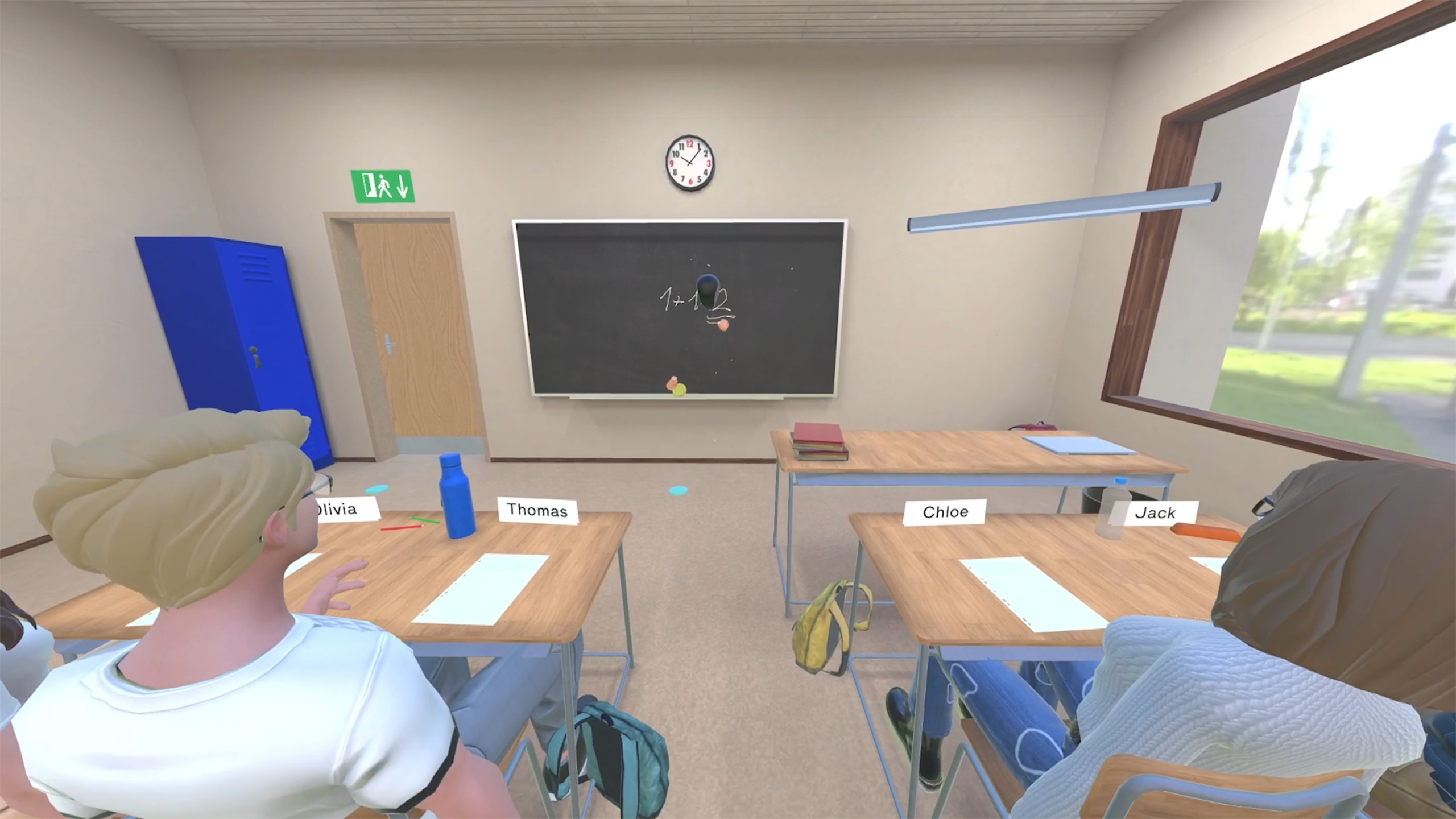
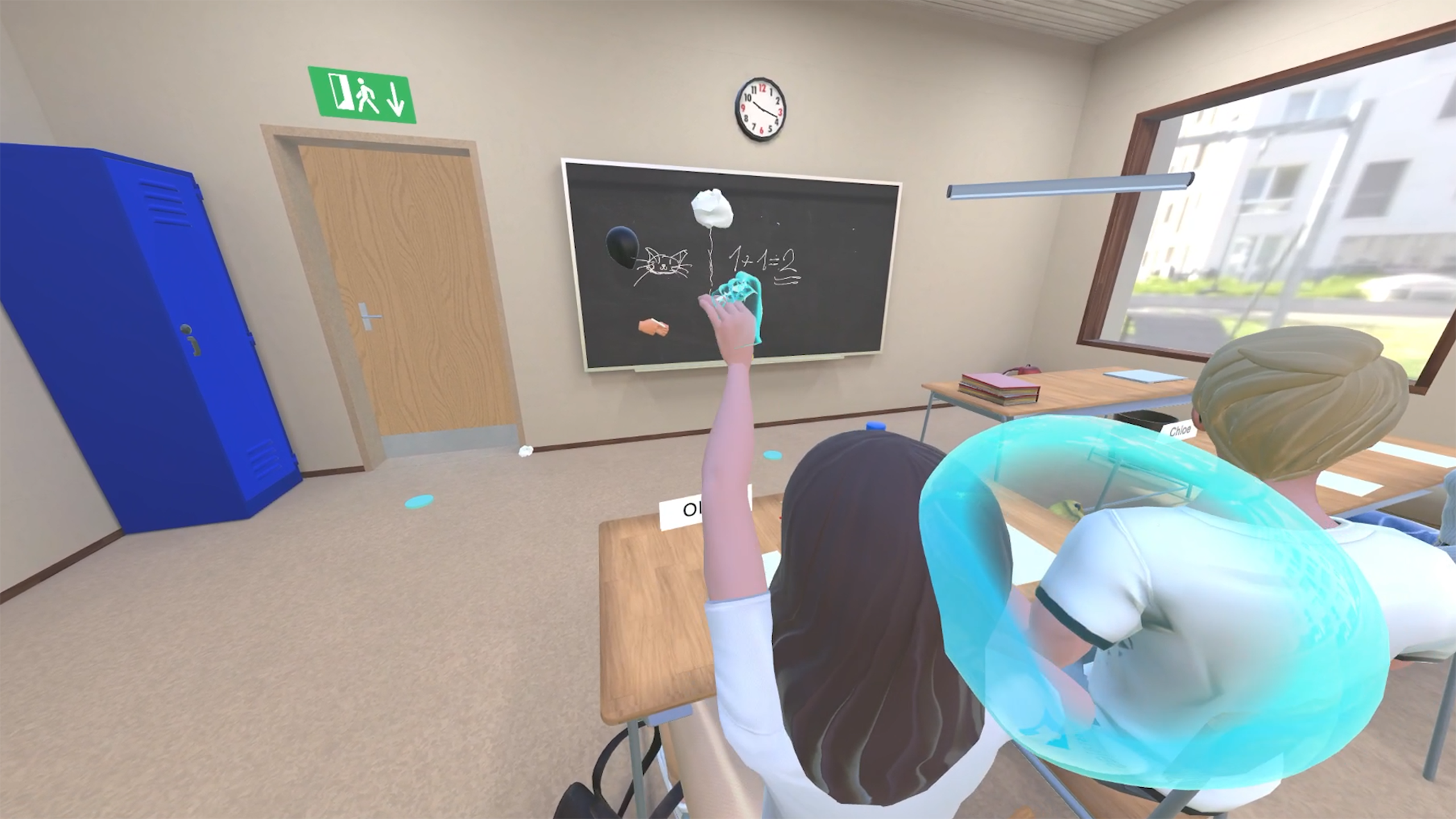
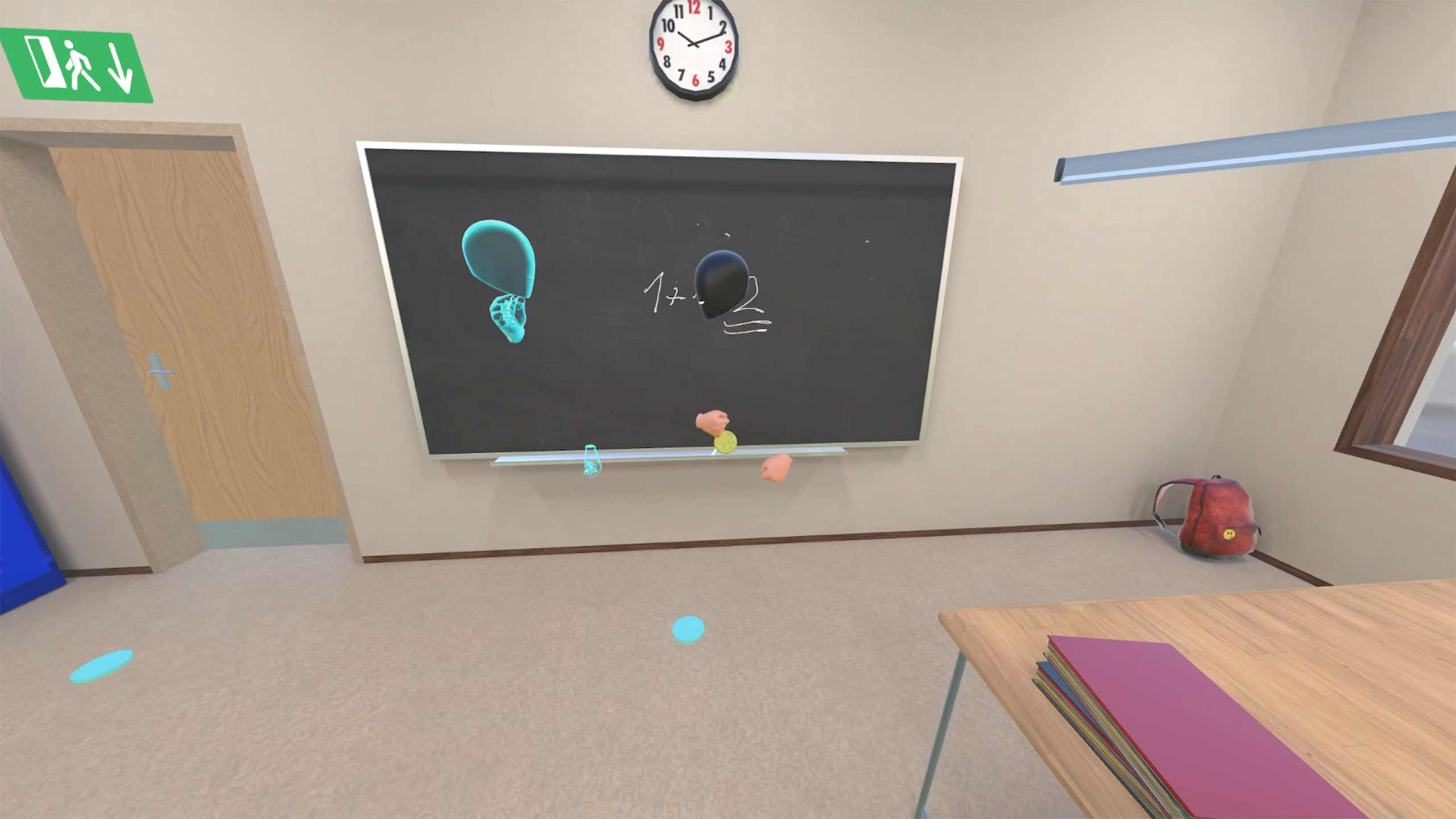
You choose a scenario and teach 16 AI students with their own voices and personalities. They listen, raise their hands, answer and react to how you teach. You talk with them, move around the room, write on the blackboard and show things on the projector.
It runs in your browser on a laptop or desktop. No headset, no installation, just a microphone. After every lesson you get a written review: a summary, a level from 1 to 3, what to work on, and the full transcript.
How it works
Three steps from scenario to review.
Choose a scenario
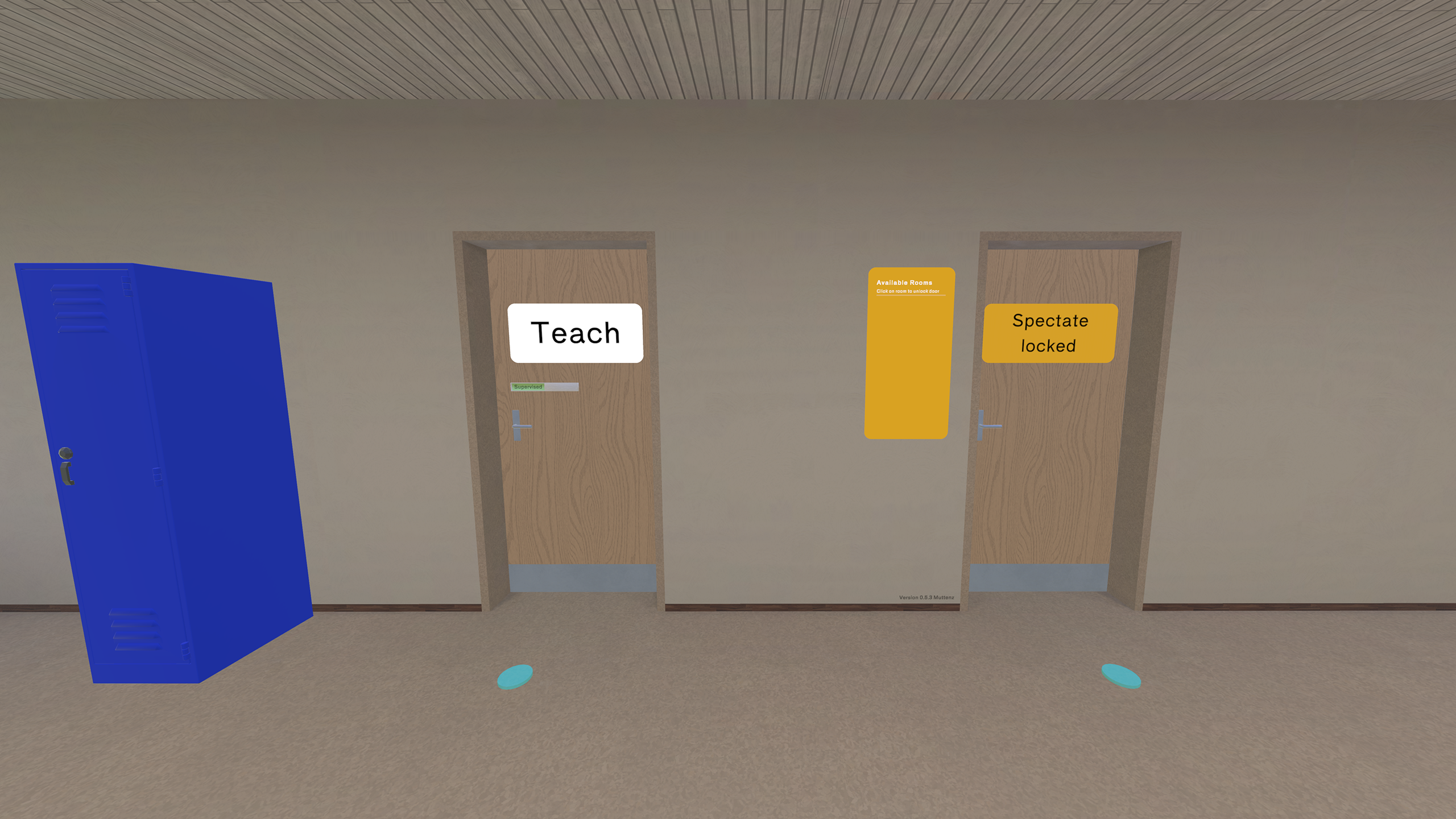
Pick one from the library, such as the disengaged student, the class that won't cooperate or the mixed-ability class. With Pro or Team you can also use scenarios your organisation built itself. The scenario sets the class, the students' personalities and the language of the lesson.
Teach the class in your browser
Click start and the classroom opens. Ask the class a question and hands go up; call a name and that student answers. Walk around, use the blackboard, put something on the projector. Depending on the scenario, students interrupt, go quiet or push back. The class reacts to what you say and how you say it.
Read your review
A moment after the lesson, the review is in your dashboard under "My lessons": a summary, a level from 1 to 3 based on the InTASC teaching standards, three concrete points to work on and the full transcript of what you and the class said.
// What the research shows
Simulation works. The data is clear.
Classroom simulation is one of the better-researched interventions in teacher preparation. A few of the findings:
"After just four 10-minute sessions in a classroom simulator, teachers showed statistically significant improvement in targeted behaviours — and those behaviours transferred to their real-world classrooms."
UCF TeachLivE Research Programme · University of Central FloridaFeatures
What you get.
16 students, not a small group
Most simulators use four or five avatars. ClassVRoom fills the room with 16 named students, each with their own voice and personality. Keeping an eye on the back row while helping the front row is where most novice teachers break down, and it is exactly what you practise here.
Runs in your browser
Chrome, Edge, Firefox or Safari on a laptop or desktop. No headset, no installation; plug in a microphone and start. Prefer to stand in the room? Pro and Team also run in VR on Meta Quest.
You talk, they answer
Speech recognition picks up what you say. Ask the whole class and some students raise their hands; call one by name and they respond. Depending on the scenario, students also interrupt or ask questions of their own.
Teach in your language
German, English, Finnish or whatever you teach in: the class understands you and answers in the same language. A scenario can also fix the language, useful for language teaching.
A written review after every lesson
Summary, level 1 to 3 based on the InTASC teaching standards, three things to work on, and the full transcript. In your dashboard under "My lessons", a moment after the lesson ends. Export everything as a file whenever you need it.
Your own scenarios and teams
With Pro or Team you build your own classes, student personalities, behaviour rules and review focus, by hand or with the built-in AI assistant. Team adds an organisation with members and roles, a shared lesson pool and an overview of everyone's lessons.
Ready-made scenarios
The situations that make or break a career.
The disengaged student
Arms crossed, one-word answers, checked out. How do you re-engage them without losing the other 15? One of the most common, and least practised, situations new teachers face in their first placement.
- Practise targeted re-engagement without disrupting the flow
- Hold the room while addressing one student
- Repeat until the response becomes automatic
The class that won't cooperate
Side conversations, interruptions, three students talking over you at once. A classroom where the energy is against you from the first minute. Practise establishing authority, redirecting disruptions and regaining control without escalating.
- Manage whole-class disruption in real time
- Practise de-escalation under real pressure
- Build the composure that only repetition creates
The mixed-ability class
Half the class already knows the material. The other half is lost. Three are somewhere in between. Practise differentiating in real time, keeping fast learners engaged while bringing the rest along.
- Practise live pacing and differentiation decisions
- Handle questions at several levels at once
- See in the review whether you left anyone behind
More training scenarios
The situations that matter most.

Institute of Education
(Institut für Erziehungswissenschaften)
Academic origin
Built on educational research.
ClassVRoom was developed in collaboration with the Institute of Education at the University of Zurich (UZH). The scenario design, the student behaviour model and the review framework are grounded in current research on teacher training and classroom management.
Inside ClassVRoom
See it for yourself.
Pricing
Four plans.
Start free, no card needed. Upgrade whenever you want, directly in the app.
Free
To try it out.
CHF 0
No card needed
- Tutorial and practice lesson
- 60 minutes in the classroom, one-off
- Every scenario in the standard library
- Review and transcript after every lesson
- One account
- In the browser
- Your own scenarios
- VR on Meta Quest
Starter
For a teacher who practises now and then.
CHF 6.99 / month
Monthly, cancel any time
- 90 minutes a month
- Every scenario in the standard library
- Your own scenarios, classes and personalities
- Review and transcript after every lesson
- Extra minutes any time
- One account
- In the browser
- VR on Meta Quest
Pro
For one teacher who practises regularly.
CHF 17.99 / month
Monthly, cancel any time
- 400 minutes a month
- Every scenario in the standard library
- Your own scenarios, classes and personalities
- Review and transcript after every lesson
- Extra minutes any time
- Browser and VR on Meta Quest
- One account
Team
For schools, universities and programmes.
CHF 79.90 / month
Monthly, cancel any time
- 800 minutes per month for the whole organization
- Everything in Pro, extra minutes shared by the team
- Invite members by e-mail
- Roles: teacher, author, admin
- See every member’s usage
- Unlimited members, one invoice for the organization
How do minutes count?
Time in the classroom, to the minute. Every started minute counts.
Extra minutes
400 minutes for CHF 24.90. They never expire and are used once the monthly minutes are gone.
Payment and cancellation
Payment through Payrexx: card, TWINT, PostFinance, Apple Pay or Google Pay. Prices in CHF. Cancel any time.
Invoice instead of card or a data processing agreement: classvroom@ateo.ch
Hold your first lesson today.
No scheduling, no live actors, no headset. A browser, a microphone and 20 minutes.